
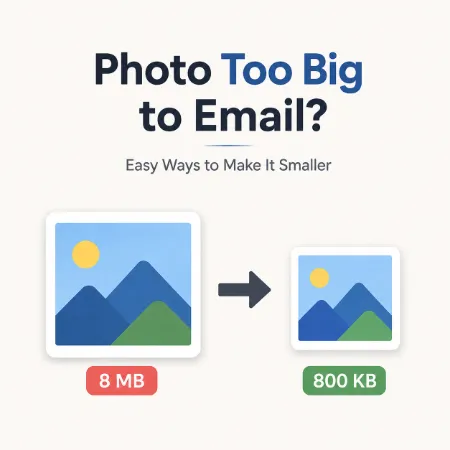
Have you ever tried to send a photo by email only to discover that the file is too large? This is a common problem today because modern smartphones and digital cameras create high-quality images that can take up a lot of storage space.
The good news is that there are several simple ways to make a photo smaller without making it look noticeably worse.
Why Are Photo Files So Large?
One reason is image resolution. Many phones now take photos that are 4000 pixels wide or more. These large images contain a lot of detail, which increases file size.
Another reason is the image format. Different formats store image data in different ways. A PNG image is often much larger than a JPG image, even when both look very similar.
Solution 1: Resize the Image
If you only need to share a photo by email, you probably do not need the full original size.
For example, a photo that is 4000 pixels wide can often be reduced to 1200 pixels wide and still look great on a computer screen or mobile device. Resizing the image is usually the fastest way to reduce file size.
Solution 2: Choose the Right Image Format
The image format can make a big difference.
JPG is a popular format for photographs because it provides a good balance between image quality and file size.
PNG is commonly used for screenshots and graphics, but it often creates larger files.
WebP is a modern format that can produce smaller file sizes while maintaining good visual quality.
Solution 3: Compress the Image
Image compression removes unnecessary data from a file while keeping the image looking almost the same.
This can be useful when a photo is still too large after resizing or when you need to send multiple images by email.
Which Method Works Best?
In most cases, resizing the image provides the biggest reduction in file size.
If the file is still too large, changing the image format or applying compression can reduce the size even further.
Many people find that using a combination of resizing and choosing a more efficient format gives the best results.
Final Thoughts
Large photo files are a normal result of today’s high-resolution cameras. If your photo is too big to email, you do not need to sacrifice quality to solve the problem.
By resizing the image, selecting the right format, and using compression when necessary, you can create smaller files that are easier to email, upload, and store.
