
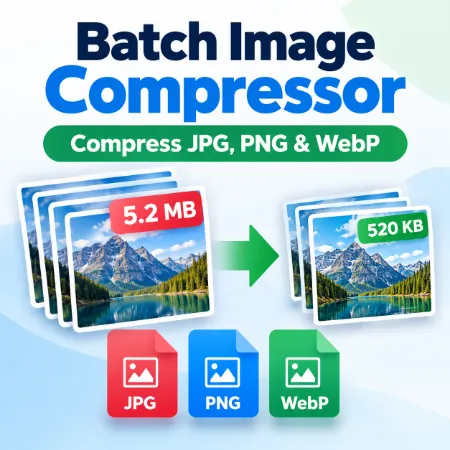
Compactlastica is a simple batch image compressor that helps reduce image file sizes quickly. You can compress up to five images at a time, making it useful for websites, blogs, email attachments, online stores, social media, and everyday image storage.
Large image files can take longer to upload, use more storage space, and slow down web pages. Compactlastica makes it easy to reduce image file size while maintaining good visual quality. Simply add your images, choose the output format and quality, and process them together.
Compactlastica supports JPG, PNG, and WebP output formats. WebP is a useful choice for websites because it can provide good image quality with smaller file sizes. You can adjust the quality setting to find the balance between image quality and file size that works best for your images.
The tool can process up to five images in one batch. Each image can also have its own width and height if you need to change its dimensions before compression. When everything is ready, use Process All to process the images and Download All to save them.
A built-in preview lets you compare the original image with the processed image before downloading. You can also check the resulting file size and dimensions to see the effect of the compression settings.
The browser version processes images locally on your computer. Your images are not uploaded to a remote server for processing, which provides a simple and private way to compress personal photos, website graphics, and other images.
Compactlastica is designed for users who want a straightforward batch image compressor without complicated photo-editing software. Whether you need to compress one image or several images at once, it provides the essential controls for reducing file size, converting image formats, and preparing images for websites, sharing, or storage.
Download compactlastica Offline
Download Installation Version here
Tool not working? Please report the issue through our Contact Page. Be sure to include the tool name, your browser, and a short description of what happened so we can fix it quickly!
