
Many websites now use the WebP image format because it offers excellent compression and smaller file sizes. However, different websites, applications, and devices may require JPG, PNG, or WebP depending on the situation.
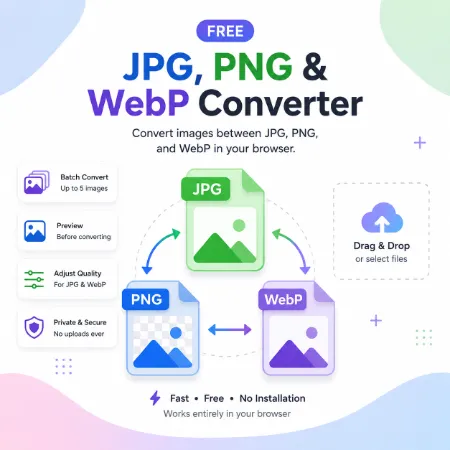
Free JPG, PNG & WebP Converter lets you convert images between JPG, PNG, and WebP directly in your browser. The tool is simple to use, requires no installation or account, and works entirely offline.
Features
- Convert between JPG, PNG, and WebP
- Convert up to 5 images at once
- Drag and drop or select image files
- Preview images before converting
- Adjust JPG or WebP quality
- Clean output file names
- Works entirely in your browser
JPG is ideal for photos and smaller file sizes. PNG is best for graphics, logos, screenshots, and images that require transparency. WebP provides excellent compression, making it a great choice for websites and faster page loading.
Because all processing happens locally in your browser, your images are never uploaded to a server. This makes the converter fast while helping keep your files private.
How to Use
- Select or drag up to 5 JPG, PNG, or WebP images.
- Choose JPG, PNG, or WebP as the output format.
- Adjust the quality setting if needed.
- Click Convert Images.
- Download the converted files.
Whether you need images for websites, blogs, documents, presentations, social media, or older software, Free JPG, PNG & WebP Converter provides a fast and easy way to convert between the three most popular web image formats—all directly in your browser, with no uploads or registration.
Open Free WebP Windows Converter
Download WebP Windows Converter for Offline Use
Try Free Webp Mobile Converter
Tool not working? Please report the issue through our Contact Page. Be sure to include the tool name, your browser, and a short description of what happened so we can fix it quickly!
