
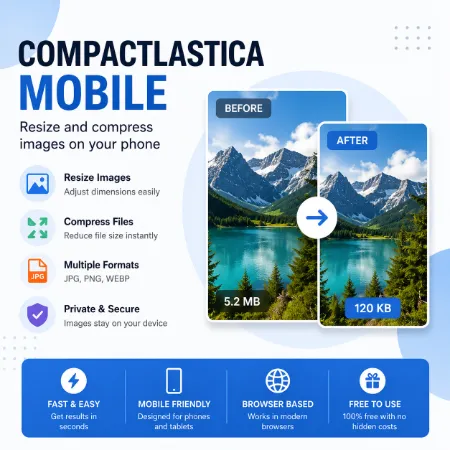
Images taken on mobile phones are often too large. Large image files take more storage space, upload slowly, and may not be accepted on some websites or apps.
Compactlastica Mobile is a lightweight image resize and compression tool that works directly in your browser. You can use it online or download the ZIP version for offline use on your device.
No installation is required. Simply open the HTML file in your browser, select an image, and download the compressed version instantly.
Compactlastica Mobile helps reduce image dimensions and file size at the same time. It works locally in your browser, so your images stay on your device and are not uploaded to a server.
You can quickly prepare images for websites, blogs, social media, email attachments, or file sharing.
Online version usage is simple. Open Compactlastica Mobile in your browser, select an image from your device, adjust the width and height if needed, choose JPG, PNG, or WEBP format, adjust image quality, process the image, and download the compressed version instantly.
The download version can also be used offline. Download the ZIP file, extract it, then open the HTML file in your browser. No installation is needed.
Compactlastica Mobile works on mobile phones and tablets and supports JPG, PNG, and WEBP output formats. It can resize and compress images in one step while keeping the interface simple and mobile friendly.
Use this tool when image files are too large to upload, send, or store. It is also useful for reducing storage usage and improving website loading speed.
Try Compactlastica Mobile online or download the ZIP version for offline use.
Tool not working? Please report the issue through our Contact Page. Be sure to include the tool name, your browser, and a short description of what happened so we can fix it quickly!
