
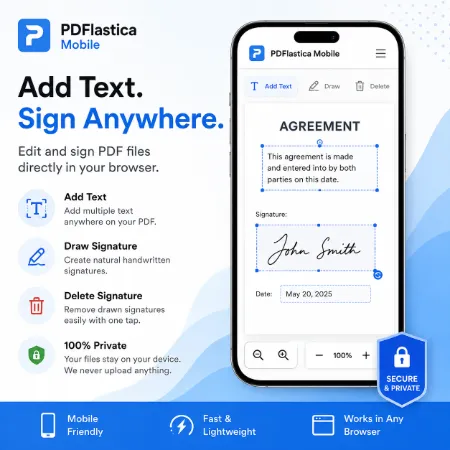
A simple mobile PDF signing tool with text and handwritten signature support. No installation required, fast and easy to use.
PDFlastica Mobile is a lightweight PDF signing tool designed for phones and touch devices. Users can quickly fill, annotate, and sign PDF documents directly in the browser without installing an app.
The tool lets users type text anywhere on a PDF and draw handwritten signatures using a finger, stylus, or mouse. Multiple text items and multiple handwritten signatures can be added to the same document, making it useful for completing forms, adding names, dates, notes, check marks, or signatures.
Typed text includes Font Style options, including regular text and signature-style fonts. Text size can also be adjusted with a simple slider. Handwritten signatures have their own size control, so users can resize them after placing them on the PDF.
After loading a PDF, the document appears in the preview area. On mobile devices, the PDF preview stays visible while scrolling through the controls, making it easier to see changes while working. Text and signatures can be moved to the correct position directly in the preview.
Handwritten signatures can be drawn directly on the screen and then added to the document. Text or signatures can also be selected and deleted when changes are needed.
All processing happens locally in the browser. PDF files are never uploaded to external servers, helping users keep their documents private while filling or signing PDFs.
PDFlastica Mobile works well for forms, approvals, applications, contracts, and everyday PDF editing. Its simple vertical interface is designed to be easy to use on phones and touch devices while also working in desktop browsers.
PDFlastica Mobile is a practical choice for users who want a fast, lightweight, and privacy-friendly way to fill and sign PDF documents directly in their browser.
I think this is enough. No need to make the post much longer. The new version describes what the current app actually does and emphasizes the mobile design improvements.
Download PDFlastica Mobile Offline
Tool not working? Please report the issue through our Contact Page. Be sure to include the tool name, your browser, and a short description of what happened so we can fix it quickly!
