
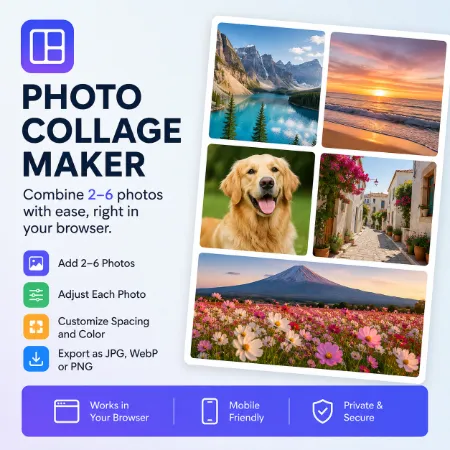
Creating a simple photo collage should not require complicated editing software. Our Free Photo Collage Maker lets you combine 2–6 photos directly in your browser and download the finished image to your device.
The app has a compact, mobile-friendly interface, making it easy to arrange your pictures on a phone without complicated editing tools.
Create a Collage in Your Browser
Add 2–6 photos and the app automatically arranges them into a clean layout.
Each image can be adjusted individually so it fits better within the design. You can also control the spacing and select a custom color for the gaps between images.
Main Features
- Add 2–6 photos
- Adjust each image individually
- Control spacing between images
- Choose a custom spacing color
- Export as JPG, WebP, or PNG
- JPG is the default export format
- Automatic download with a simple filename
- Compact, mobile-friendly interface
- Works directly in your browser
Simple Photo Editing
This tool is designed for quick, everyday use. There is no need to learn layers, templates, or complicated editing controls.
Just add your pictures, adjust their position and spacing, choose a color, and download the finished result.
Create Your Photo Collage
Use the Free Photo Collage Maker when you need a quick way to combine several pictures into one image. Everything works directly in your browser, with no complicated setup required.
