
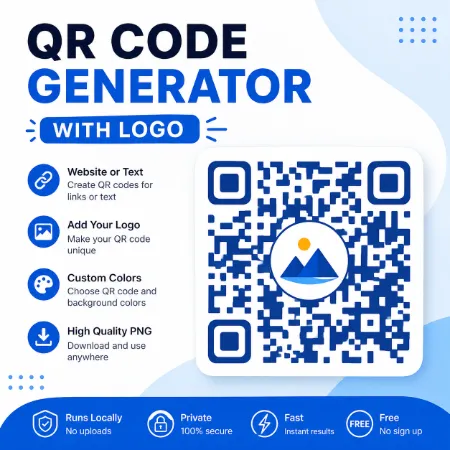
Need a professional QR code for your website, business, or printed materials? Our Free QR Code Generator with Logo lets you create custom QR codes directly in your browser. Add your own logo, choose custom colors, test your QR code before downloading, and download high-quality PNG or SVG files in seconds.
No uploads, no registration, and no hidden fees.
Features
- Generate QR codes for websites or plain text
- Add your own logo
- Automatic logo sizing
- Manual logo size adjustment
- Built-in Test QR Code verification
- Square, Rounded, and Circular QR styles
- Custom QR code and background colors
- Enter an exact HEX color code
- Custom export size from 128–4096 px
- Download high-quality PNG or SVG
- Works entirely in your browser
Why Add a Logo?
A logo makes your QR code more recognizable and helps reinforce your brand. It’s ideal for:
- Business cards
- Restaurant menus
- Flyers
- Posters
- Product packaging
- Event materials
- Social media promotions
A well-designed QR code looks more professional while remaining easy to scan.
Private by Design
Everything is created entirely in your browser.
Your logo, website address, and QR code are never uploaded to our server, giving you a fast, secure, and privacy-friendly experience.
How to Use
- Enter a website URL or plain text.
- Upload your logo (optional).
- Choose your QR code style and colors.
- Adjust the logo size if needed.
- Use the built-in Test QR Code feature to verify your QR code.
- Download your QR code as a PNG or SVG file.
Tips for Better QR Codes
- Use a clear, high-quality logo.
- Keep the logo at a reasonable size for reliable scanning.
- Use dark QR colors for the best contrast.
- Leave enough white space around the QR code.
- Use the built-in Test QR Code feature before printing or sharing.
Frequently Asked Questions
Does this tool upload my logo?
No. Everything is processed locally in your browser.
Can I create a QR code without a logo?
Yes. Adding a logo is completely optional.
Can I change the QR code color?
Yes. You can customize the QR code color, background color, and enter an exact HEX color value to match your brand.
Can I test my QR code before downloading?
Yes. The built-in Test QR Code feature automatically verifies that your generated QR code can be read before you download it.
Is it free?
Yes. The tool is completely free to use.
Try It Now
Create a custom QR code with your own logo in just a few clicks. Whether you’re sharing a website, promoting a business, or printing marketing materials, this free browser-based tool makes it quick, simple, private, and reliable.
Download QR Code Generator Offline
Try QR Code Generator Mobile
