
Images taken on mobile phones are often too large. Large images take more storage space, are slower to upload, and may not be accepted on some websites.
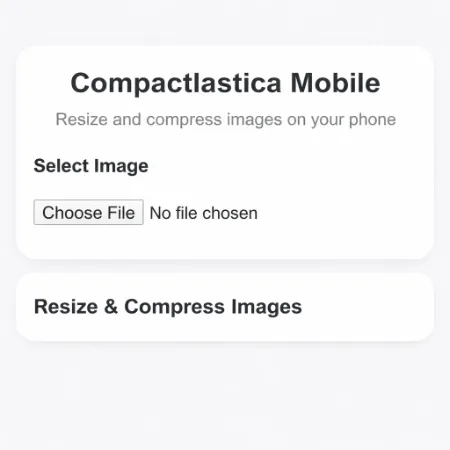
Compactlastica Mobile is a simple tool that helps you resize and compress images directly on your phone. You do not need to install any app. Just open it in your browser, choose your image, and download a smaller version instantly.
What this tool does
This tool allows you to reduce image dimensions and file size at the same time. It works directly in your browser, so your image stays on your device. There is no upload to a server.
You can quickly prepare images for websites, social media, or sharing with others.
How to use
Open the tool on your phone
Tap the image upload button
Select an image from your device
Adjust the width if needed
Click the resize and compress button
Download the processed image
The new image will be smaller in size and easier to use.
Key features
Works on mobile phones and tablets
No installation required
Fast and simple interface
Resize and compress in one step
Free to use
When to use this tool
Use this tool when your image file is too large to upload or share. It is also useful when you want to save storage space on your phone or speed up website loading.
Try the tool
Open Compactlastica Mobile and start resizing your images instantly.
