
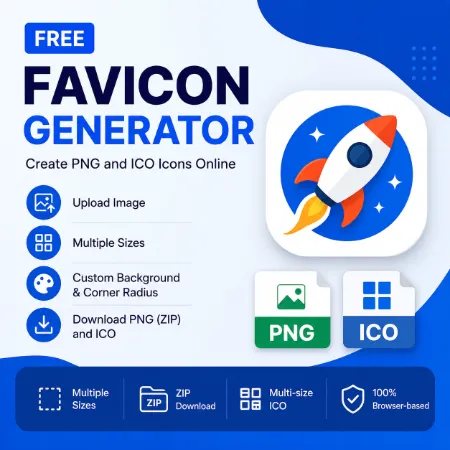
A favicon is a small icon that appears in browser tabs, bookmarks, and website shortcuts. A clean favicon helps visitors recognize your website quickly and gives your site a more professional appearance. This Favicon Generator makes it easy to create favicon images in both PNG and ICO format directly in your browser.
This online Favicon Generator supports image cropping, multiple icon sizes, custom filenames, background colors, rounded corners, ZIP downloads, and multi-size ICO files. Everything runs locally in your browser, so your images are never uploaded to external servers.
You can upload a PNG, JPG, SVG, or WebP image, crop and reposition it if needed, then generate common favicon sizes such as:
- 16×16
- 32×32
- 48×48
- 64×64
- 128×128
- 180×180
- 192×192
- 256×256
- 512×512
Crop Before You Generate
Not every image is square. The built-in Crop & Position feature lets you crop, reposition, and zoom your image before creating your favicon. Once you’re happy with the preview, the app creates a high-quality 512×512 master image and automatically generates all selected PNG sizes and the multi-size ICO file from that crop. This keeps every favicon size consistent.
The app can also generate a real multi-size ICO file for Windows and browser compatibility. For best ICO compatibility, the standard icon sizes of 16×16, 32×32, 48×48, 64×64, 128×128, and 256×256 are included automatically.
One useful feature is the ZIP download option. Instead of downloading images one by one, you can download all selected PNG favicon sizes together in a single ZIP file. The custom filename option also helps organize favicon files more easily.
The tool also includes optional background color and corner radius settings. You can create transparent icons or add a custom background color to match your website design.
Because this Favicon Generator works entirely in your browser, it is fast, lightweight, and easy to use without creating an account or installing software.
How to Use the Favicon Generator
- Upload an image (PNG, JPG, SVG, or WebP).
- Crop, reposition, and zoom the image if needed.
- Select the favicon sizes you want.
- Choose an optional background color, transparent background, or rounded corners.
- Download the PNG ZIP file or the multi-size ICO file.
Who Is This Tool For?
This tool is useful for bloggers, website owners, developers, WordPress users, and anyone who needs favicon files for websites or web apps.
Try Favicon Generator Windows Online
Download Favicon Generator Windows Offline
Try Favicon Generator Mobile Online
Tool not working? Please report the issue through our Contact Page. Be sure to include the tool name, your browser, and a short description of what happened so we can fix it quickly!
