
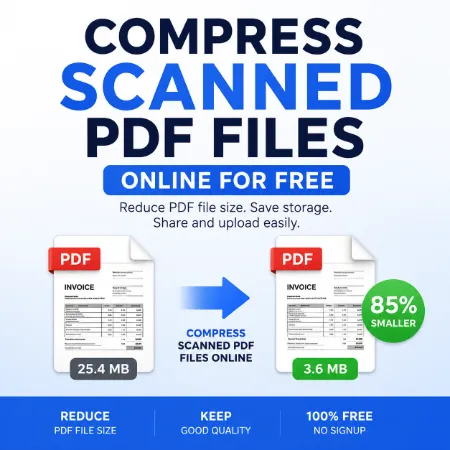
Compressing large scanned PDF files can sometimes be difficult, especially when you need to upload documents online or send them by email. Large PDF files may take longer to upload and can use more storage space on your computer or mobile device. That is why using a tool to compress scanned PDF files online can be very useful for students, office workers, and everyday users.
This free online tool helps reduce PDF file size directly in your browser without requiring signup or software installation. The app works especially well for scanned documents and image-based PDF files. Many scanned PDF files contain large images, and this tool rebuilds the PDF using compressed images to reduce file size while still keeping the document readable.
One of the best things about this tool is its simplicity. Users only need to upload a PDF file, choose a compression level, and download the compressed version. The interface is clean, mobile friendly, and easy to use even for beginners. Since the tool runs in the browser, files are processed locally without uploading documents to a server.
This tool is designed mainly to compress scanned PDF files online, so the best results usually come from image-heavy documents. Text-only PDF files that are already optimized may not become much smaller after compression. However, scanned PDF files can often be reduced significantly, helping users save storage space and share files more easily.
If you are looking for a simple way to compress scanned PDF files online, this tool provides a fast and convenient solution without unnecessary complexity.
Try Compress Scanned PDF Online
Try Compressor Scanned PDF Mobile
Tool not working? Please report the issue through our Contact Page. Be sure to include the tool name, your browser, and a short description of what happened so we can fix it quickly!
