
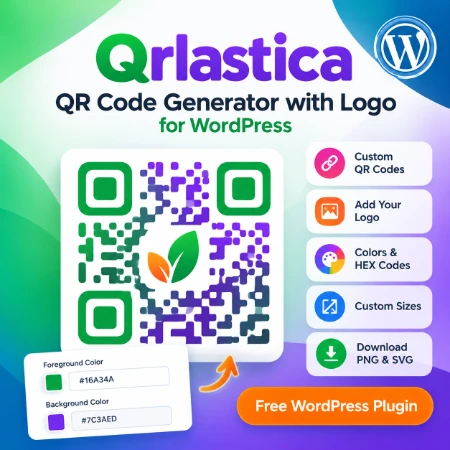
Want to create custom QR codes directly on your WordPress website? Qrlastica – QR Code Generator with Logo is a free WordPress plugin that helps you generate personalized QR codes with your own logo, colors, and sizes.
Whether you run a small business, blog, or personal website, Qrlastica makes QR code creation simple.
What Can You Do with Qrlastica?
1. Generate Custom QR Codes
Create QR codes for website URLs, landing pages, and other text content without using an external QR code generator.
2. Add Your Own Logo
Upload a logo and place it in the center of your QR code. Adjust its size to match your design and branding.
3. Customize Colors and Sizes
Personalize your QR codes with the built-in color picker or enter your own HEX color codes for precise color matching.
Adjust the QR code size to suit your website, business cards, or promotional materials.
4. Download PNG and SVG Files
Save your finished QR codes in PNG or SVG format for use on websites, documents, and printed materials.
5. Use a Simple WordPress Shortcode
Add the QR code generator to a page or post using this shortcode:
[qrlastica]
No complicated setup is required.
How to Use Qrlastica
- Install and activate Qrlastica on your WordPress website.
- Create or edit a WordPress page.
- Add a Shortcode block and enter
[qrlastica]. - Publish the page.
- Open the generator, customize your QR code, and download the result.
Download Qrlastica for Free
Qrlastica is available in the official WordPress Plugin Directory.
Download Qrlastica from WordPress.org
Create custom QR codes with your logo, directly from your WordPress website.
Final Thoughts
Qrlastica is a simple, free tool for WordPress users who want to create personalized QR codes without complicated software.
If you need QR codes for business cards, websites, product packaging, or promotional materials, give Qrlastica a try.
