
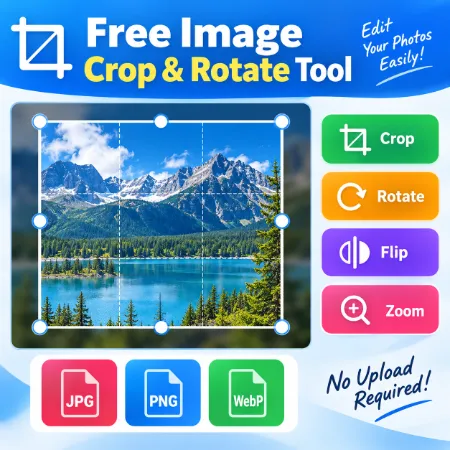
Sometimes you only need to crop, rotate, or flip an image. A large photo editor can be unnecessary for such a simple job.
Free Image Cropper and Rotator is a lightweight browser-based tool designed for mobile devices. It lets you quickly adjust an image and download the result. There is no software to install and no account required.
Crop an Image
Add an image to the tool and the crop area will appear over the image.
Adjust the crop boundaries to select the part of the image you want to keep. The larger crop handles make it easier to adjust the crop area with your finger on a phone or tablet.
When you are happy with the crop position, tap Fix Crop. This fixes the crop so you can continue working with the image without accidentally changing the crop area.
If you want to go back after using Fix Crop, tap Undo.
Zoom and Move the Image
Use the Zoom slider to get a closer view of the image.
When the image is zoomed in, use Move Image to reposition it inside the crop area. The image movement is restrained to help prevent empty space from appearing inside the crop.
Rotate or Flip
Use Rotate to change the image orientation.
The Flip control lets you reverse the image when needed.
If you make a change you do not want, use Undo to return to the previous step. You can also use Reset to return to the starting point.
Choose the Output Size
You can keep the original size or choose one of the available output sizes.
A Custom Size option is also available when you need specific width and height dimensions.
Download as JPG, PNG or WebP
Choose the image format you want to use:
- JPG
- PNG
- WebP
When everything looks right, tap Download Crop to save the finished image to your device.
Private Browser-Based Processing
Your image is processed locally in your browser. You do not need to upload the image to a server just to make a simple crop.
This is useful for personal photos, screenshots, website images, and other images you would prefer to process directly on your own device.
How to Use the Tool
- Add an image.
- Adjust the crop area.
- Use Zoom or Move Image if needed.
- Tap Fix Crop when the crop is ready.
- Rotate or flip the image if necessary.
- Use Undo if you need to go back.
- Choose the output size and image format.
- Tap Download Crop.
Free Image Cropper and Rotator focuses on the basic tools needed for quick mobile image editing. The simple interface makes it easy to crop, rotate, flip, and download an image directly from your phone or tablet.
