
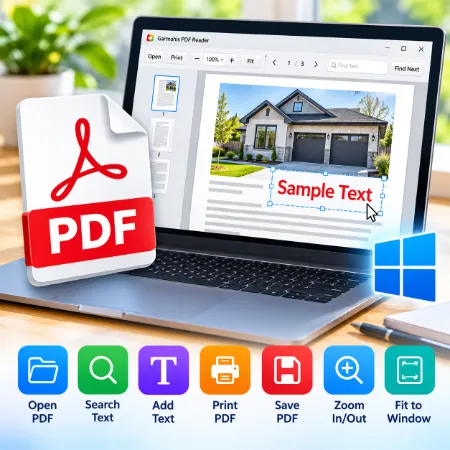
Garmahis PDF Reader is a simple and free PDF reader for Windows. It is designed for users who want to open and read PDF files without complicated tools or unnecessary features.
In addition to reading PDFs, you can add simple text to a PDF and save the changes as a new file.
Simple PDF Reader for Windows
Garmahis PDF Reader provides the basic tools you need for everyday PDF files.
You can:
- Open and read PDF files
- Zoom in and out
- Fit the PDF to the window
- Move between pages
- Search for text
- Add text to a PDF
- Change the added text size
- Delete added text
- Save the PDF with your added text
- Print PDF files
Add Text to a PDF
The Add Text feature is useful when you need to type a name, email address, short note, or other information onto a PDF.
Enter your text, choose the text size, and place it where you want on the page. You can add text in multiple locations and then save the completed PDF.
This can be useful for simple PDF forms and documents that do not have editable fields.
Easy to Use
The interface is kept simple so you can quickly find the tools you need.
There are no complicated editing menus. Open your PDF, read it, search it, add text when needed, and save or print the finished document.
Download Garmahis PDF Reader
Garmahis PDF Reader is made for Windows.
Download the installer, install the program, and start opening your PDF files.
Garmahis PDF Reader is a PDF reader with simple text-adding features. It is not intended to replace a full PDF editor.
Download Garmahis PDF Reader
